

As a business owner, you know that data security is paramount. It’s therefore essential to ensure you have taken all necessary steps to protect yourself against potential data loss events, such as data breaches and natural disasters. In this essential guide, we will outline the key steps you should take in creating a disaster recovery plan (DRP). Following these can save your business from an incredibly costly catastrophe.
Essential tips for making an effective disaster recovery plan

Is Your Network Security Decentralized?

Introduction
Decentralized cybersecurity. Centralized defense structures. What do these terms mean?
They refer to different ways you can set up your digital security defenses, monitoring and response systems. Basically they define where and how data is kept, with the goal of keeping private data secure from persistent threat actors who may break into the system.
What’s the Fuss About MFA?
Introduction
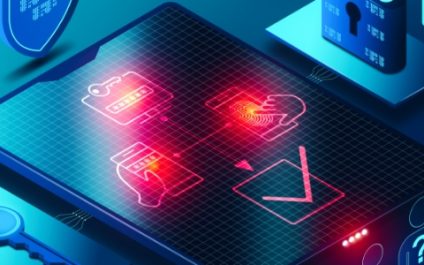
MFA, or Multi-Factor Authentication, uses multiple factors to verify a user’s identity. It is typically used in addition to a username and password to provide an extra layer of security. MFA can be used for anything, from online banking to social media accounts, and can be either hardware- or software-based.
A Dark Power is Rising: Behind the Emerging Ransomware Threat

Introduction
A new, sinister ransomware is sweeping the web. Dark Power, the nascent evil of worldwide ransomware threat group, has already stolen the personally identifiable information of 10 people in the first month of operations; and threatened to publish that private information if their ransom demands were not met.
5 Tips to boost your desktop productivity

Working on a computer all day can be tedious and tiring. And doing the same things over and over again can affect your morale, which, in turn, can impact your productivity. Here are five essential tips for PC users that can help boost your productivity in the workplace.
Does password autofill make hacking easier?

Password autofill is undeniably convenient, but do you know the dangers of using this common browser feature? Here’s what you should be aware of when using it and how to secure yourself from potential cyberattacks through this feature.
The risks of password autofill
Password autofill is a convenient feature found in most browsers and password managers.
What Does “The Internet Is Forever” Really Mean?

Introduction
You’ve probably heard this advice before…
“The Internet is forever!”
Did you take the advice, or roll your eyes? Hopefully you took that to heart, because it happens to be true: What goes up on the Internet will not come down.
Is Your Face ID Being Held Without Your Consent…or Your Knowledge?
Introduction
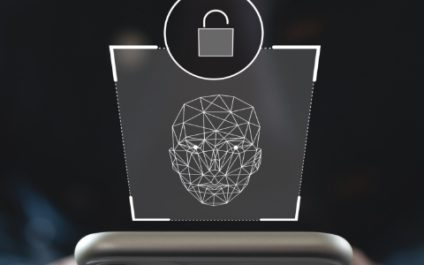
Face ID is just one form of biometric identification that is used in a variety of ways. Sometimes it’s for convenience and sometimes for security. Scanning your face, fingerprint and other unique attributes is a great way to guarantee it’s really YOU logging into your devices, and not a threat actor breaking through your password.
Crash Course in Keylogging: What Is It and What Do You Need to Know?

Introduction
What if threat actors could see everything that you did online? Everything you searched, every message you sent, every password you entered?
If your device is infected with the right software, then this nightmare can become all too real!
Keylogging technology records and stores the keystrokes entered on a computer.
5 Seemingly Innocent Download Habits Your Employees Must STOP Now To Avoid A Ransomware Attack

Once upon a time, you could install antivirus software and go about your merry way online and in your inbox, opening, clicking and downloading files without a care.
Today, antivirus alone cannot and will not protect you, especially if you INVITE the hack by downloading a file that is infected with a piece of code designed to circumvent your security protocols.