

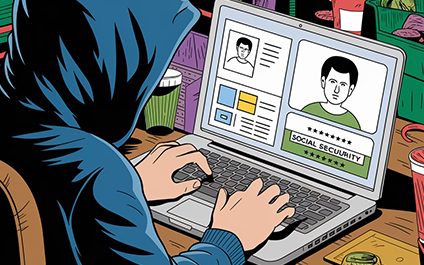
National Public Data confirmed in September 2024 that a hacker has compromised the personal records of millions of individuals. The information exposed includes the names, e-mail addresses, mailing addresses, phone numbers and even Social Security numbers of up to 2.9 billion people.
Was Your Information Compromised From The National Public Data Breach?
5 Signs It’s Time To Update Your Software (And How To Do It Safely)
Software updates can feel like a nuisance, but skipping them is one of the easiest ways to leave your systems vulnerable to cyber-attacks. Hackers are constantly looking for weaknesses, and outdated software is like an open door to your network.
But how do you know when it’s time to update, and should you always trust your computer to tell you? Here are five clear signs it’s time to update, plus tips on how to handle updates safely.
The S.E.C.U.R.E. Method To Stop Phishing E-mails
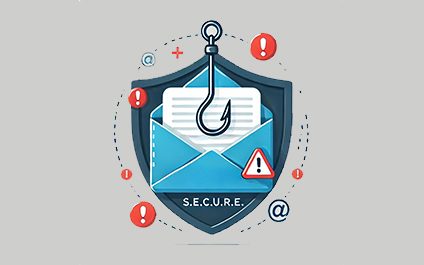
Phishing attacks are the most common cybercrime attack for one reason…they work. Every day, over 3.4 billion spam e-mails reach unsuspecting users’ inboxes. Phishing e-mails have held the top spot as the most frequent form of attack for years because they’re easy to implement, easy to scale and continue to fool people.
The End Is Almost Here! Windows 10 Will No Longer Be Supported As Of October 2025
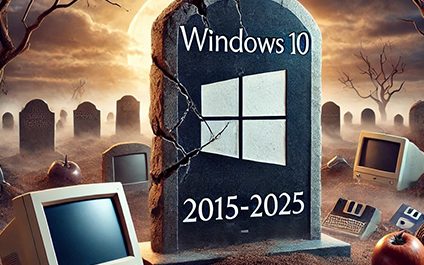
Important News: Microsoft will NO LONGER support Windows 10 after October 2025! While these PCs will still work after the official end date of October 14, 2025, Microsoft will no longer provide product key free services that keep your device working properly and securely.
Online privacy: Why private browsing matters
In an era where nearly every click, search, and website visit is tracked, maintaining true anonymity online has become increasingly difficult. Whether it's websites storing your data or browsers logging your history, your digital footprint grows with every action.
6 important battery-saving tips for iPhone users
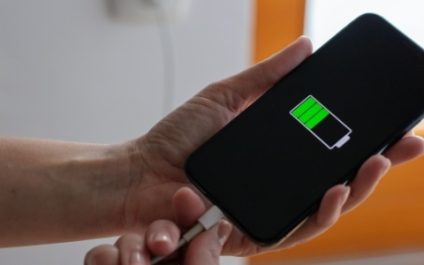
Maximizing your iPhone’s battery charge is a daily challenge, as it’s one of the most power-intensive smartphones in the market. These simple tips and settings adjustments will help lessen that power requirement and improve your iPhone battery’s health, extending its lifespan.
The TikTok Chase Bank Glitch: A Lesson in Cybersecurity
Introduction
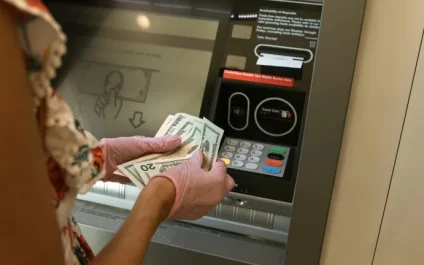
The recent TikTok trend, dubbed the “Chase Bank glitch,” serves as a stark reminder of the dangers of unverified financial advice on social media. While the claims of a glitch that allowed users to withdraw large sums of money without sufficient funds were initially met with excitement and disbelief, the reality was far more sinister.
How Microsoft Copilot Got Hijacked
Introduction
Have you heard about the recently patched vulnerability in Microsoft 365 Copilot, which exposed sensitive data through a novel AI-enabled technique called “ASCII Smuggling?”
This technique uses special Unicode characters that resemble ASCII text but are invisible to the user interface, allowing attackers to embed malicious code within seemingly harmless text.
Cyber Extortion Is NOT Just a Concern for Your Boss

Introduction
Cyber extortion…it’s exactly what it sounds like. This form of cybercrime occurs when attackers gain unauthorized access to a company’s sensitive data or systems and then demand a ransom to stop the attack or return control to the victim.
Real Site or Typosquat? Here’s How to Tell

Introduction
What if you click on the link by mistake, or simply because you don’t stop to more carefully examine the email? Then, we run into another problem: Typosquatting.
This happens when scammers create lookalike websites so you believe that you are on the legitimate landing page of whatever organization the hacker is trying to emulate.