
An uninterrupted power supply (UPS) is an essential component of a business’s IT network. It ensures that networking equipment stays operational during power outages or failures. This allows you to stay online so you don’t suffer the productivity- and profit-draining impacts of a power outage, especially one that happens without warning.
Stay connected with a UPS for networking equipment

Speed up your slow Windows PC by cleaning it

If you store way too many files on your Windows PC, it will eventually become sluggish. There may be other reasons for your computer slowing down, but if it’s caused by shrinking disk space, you can simply free it up from clutter. An easy way to do this is by using the Disk Cleanup tool, a program that scours your drives for unused or unnecessary files and removes them without harming your computer.
Are Hackers Coming to the Good Side?
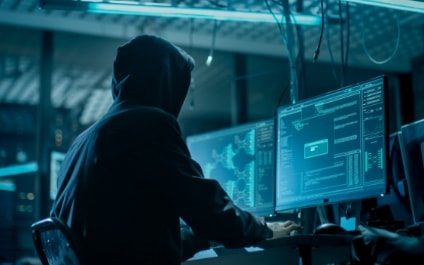
Here’s a controversial opinion: Hacking is bad news.
Maybe that seems obvious and indisputable. If so, then it may surprise you to learn that a lot of businesses disagree. Recently, organizations big and small have found real value in hiring people to break into their systems.
The Cyber-Dangers of IoT
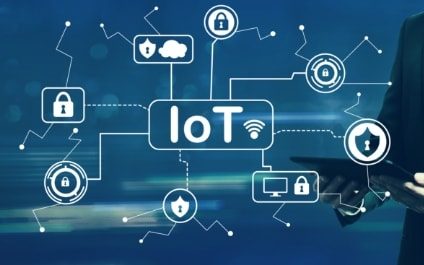
The Internet of Things (IoT) is the next wave of automation and “freedom” for consumers and business alike, offering capabilities and computational power to send and receive data over the internet without the involvement of human-to-human or human-to-computer interaction.
Picking the right VPN for your business
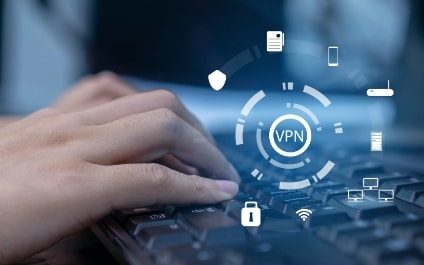
Virtual private networks (VPNs) keep your online activities secure and private, which is especially useful if you’re using a public Wi-Fi network. But considering the variety of VPNs in the market today, it’s hard to find which one is the best for your business.
Missing features and capabilities in Windows 11

There’s plenty to like in Windows 11, Microsoft’s latest operating system. Many users will undoubtedly enjoy its cleaner, sleeker interface. The placement of the Start button in the middle of the taskbar, in particular, is an inspired choice, as this makes it easier for users to find the programs they use most often.
Don’t Let Hackers Ruin Your Holidays
Online shopping has become more popular than ever before. In 2020, more than 2 billion people bought products or services online. Whether they’re shopping online because it’s more convenient or they’re avoiding going to brick-and-mortar retailers during the ongoing pandemic, more people are turning to online retailers every day.
How to Protect Seniors Against Cybercrimes and Scams

Many of the crimes that occur in real life happen on the internet too. Credit card fraud, identity theft, embezzlement, and more, all can be and are being done online.
Seniors and the elderly are often targeted for these cybercrimes. They tend to be more trusting than younger people and usually have better credit, and more wealth.
The perks of having a dual monitor system
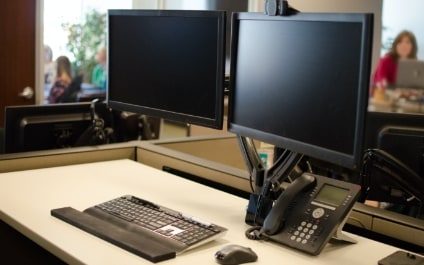
Dual monitor setups aren’t as popular as single monitor setups, but that doesn’t mean that they’re less effective than the latter. In fact, you should consider working with two screens because doing so has quite a number of advantages. Let’s take a look at some of the benefits of having dual monitors.
5 Vital VoIP measures to implement
Voice over Internet Protocol (VoIP) technology is a flexible, scalable, and highly efficient communication solution that more and more modern businesses are relying on. However, a large user base makes VoIP an attractive cybercrime target, which means VoIP users face increasing risks.