
They say, “You get what you tolerate” and now more than ever, we’ve been conditioned to tolerate worse service at higher prices. Companies get a ‘free pass’ simply by saying phrases like “the labor shortage,” “because COVID,” or “inflation.
Tech tips, news, and expert insights
As a business owner, you know that data security is paramount. It’s therefore essential to ensure you have taken all necessary steps to protect yourself against potential data loss events, such as data breaches and natural disasters. In this essential guide, we will outline the key steps you should take in creating a disaster recovery plan (DRP). Following these can save your business from an incredibly costly catastrophe.
Introduction
Decentralized cybersecurity. Centralized defense structures. What do these terms mean?
They refer to different ways you can set up your digital security defenses, monitoring and response systems. Basically they define where and how data is kept, with the goal of keeping private data secure from persistent threat actors who may break into the system.
Introduction
MFA, or Multi-Factor Authentication, uses multiple factors to verify a user’s identity. It is typically used in addition to a username and password to provide an extra layer of security. MFA can be used for anything, from online banking to social media accounts, and can be either hardware- or software-based.
Introduction
A new, sinister ransomware is sweeping the web. Dark Power, the nascent evil of worldwide ransomware threat group, has already stolen the personally identifiable information of 10 people in the first month of operations; and threatened to publish that private information if their ransom demands were not met.
Password autofill is undeniably convenient, but do you know the dangers of using this common browser feature? Here’s what you should be aware of when using it and how to secure yourself from potential cyberattacks through this feature.
The risks of password autofill
Password autofill is a convenient feature found in most browsers and password managers.
Introduction
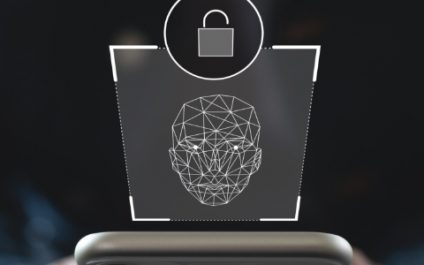
Face ID is just one form of biometric identification that is used in a variety of ways. Sometimes it’s for convenience and sometimes for security. Scanning your face, fingerprint and other unique attributes is a great way to guarantee it’s really YOU logging into your devices, and not a threat actor breaking through your password.